Connecting to the lender panel is essential for receiving assignment offers through Dwelling Blocks. Follow the steps below to request access and set up your order preferences.
Step-by-Step Instructions
1. Access the Order Sources Tab
At the top of the page, click the Order Sources tab.
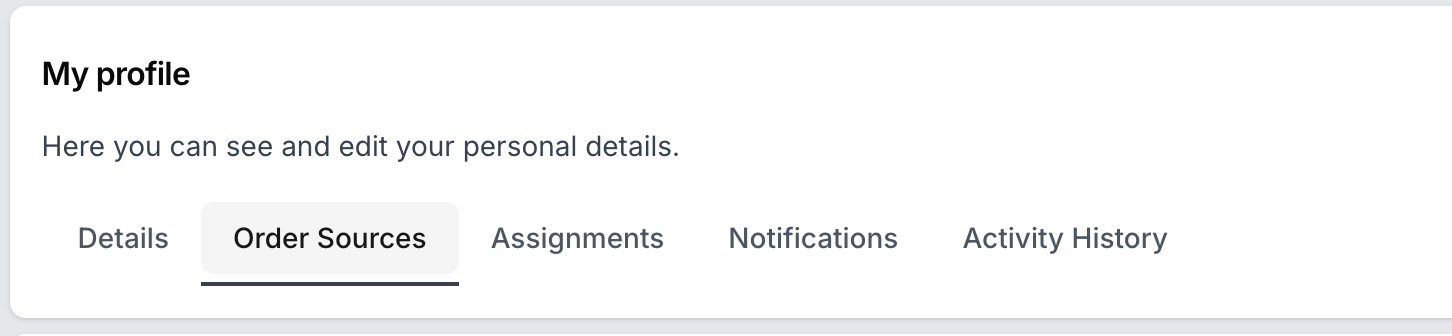
2. If You Don’t See the Order Sources Page
If you do not have access to this page, please contact your Admin and request that they enable the connection for you.
3. Request to Join the Lender Panel
Find the lender you want to connect with.
Click on Request to join panel and confirm your request.
4. Wait for Lender Approval
Your request will be sent to the lender.
Wait for the lender to process and approve your request.
5. Connected
- If your request is approved, the status will change to “Connected.”
- You can remove the connection if you want to stop working with the lender.
By following these steps, you’ll be ready to receive orders from lenders and start working efficiently in Dwelling Blocks!
Was this article helpful?
That’s Great!
Thank you for your feedback
Sorry! We couldn't be helpful
Thank you for your feedback
Feedback sent
We appreciate your effort and will try to fix the article