We've moved!
This article now lives at our new Help Center and the copy below may be out of date.
→ Go to the updated article
Sometimes, you may need to upload an updated report even after the assignment has been marked as Completed — for example, if you forgot to attach a required file, made a small correction, or the lender requested additional details.
To avoid revision request from lender, you can upload the updated report directly to the completed assignment at any time.
How to upload an updated report:
Go to All Assignments
Find the assignment in question and click to open it.
Scroll to the Completed Reports section.
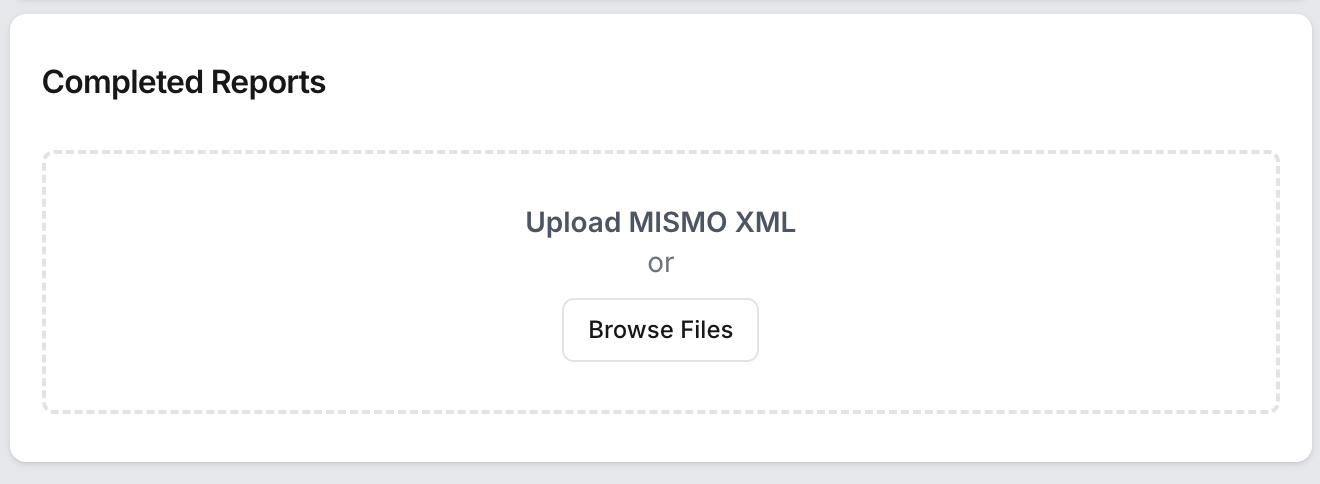
Upload your updated report file.
Important Notes:
Each completed report will automatically notify both the lender and the borrower/broker.
Make sure the updated report is final and ready for review before uploading to prevent confusion.
Was this article helpful?
That’s Great!
Thank you for your feedback
Sorry! We couldn't be helpful
Thank you for your feedback
Feedback sent
We appreciate your effort and will try to fix the article