We've moved!
This article now lives at our new Help Center and the copy below may be out of date.
→ Go to the updated article
QC Review is a required pre-submission checkpoint designed to catch report issues early - before submission to the GSE or HUD. If any QC Review rule returns a Fail or Inconclusive result, submission is paused until the issue is reviewed and acknowledged, or a corrected report is uploaded.
QC Review helps you stay ahead of potential problems, reducing back-and-forth later. While it significantly improves report quality upfront, final decisions still rest with the lender or underwriter, who may request additional revisions.
When QC Review appears
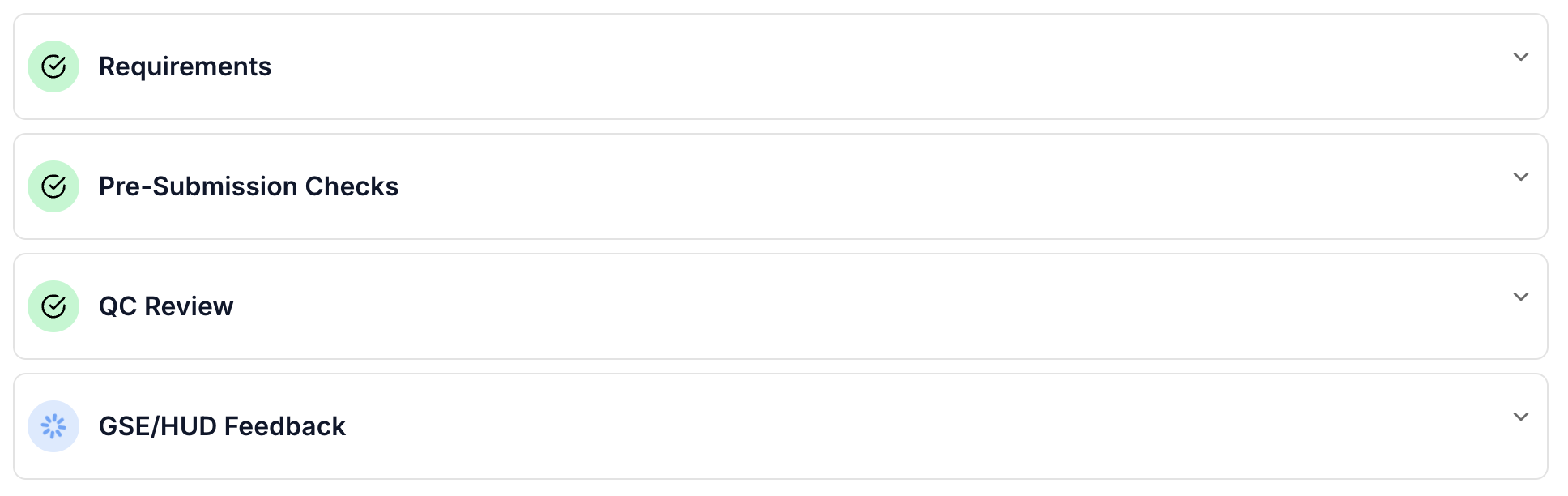
- When QC Review is enabled, it automatically becomes part of your workflow and runs immediately after report upload. If no blocking issues are found, your report moves forward seamlessly - no action required.
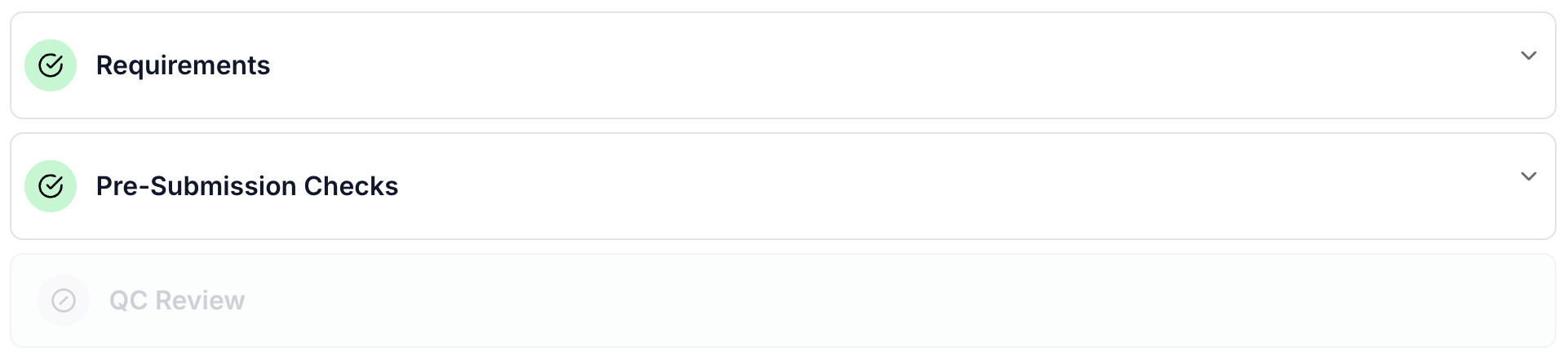
- If QC Review is not enabled, the section will appear greyed out and will not impact your workflow.
- In some cases, the system may not be able to confidently identify required information, resulting in an Inconclusive status. To avoid this, ensure your report pages are clearly labeled. For example, place additional comments under Addendum/Supplemental Addendum. Proper form/page labeling not only improves QC Review accuracy but also helps underwriters quickly navigate your report.
How QC Review worksOnce your report is uploaded, QC Review runs automatically in the background. During this time, you may see a Waiting for QC Review status.
If any rule returns a Fail/Inconclusive, submission is temporarily blocked. The assigned user receives an email notification and must review each flagged item before proceeding.
Each QC Review item includes a clear description outlining what may need clarification, correction, or confirmation. Reports will not move forward until every blocking item is either addressed in a revised report or acknowledged with a detailed explanation.
How to respond to QC Review warningsAfter QC Review completes, you can resolve each item in one of two ways:
- Upload a revised report that corrects the issue by cancelling current submission
- Acknowledge the item with a detailed comment explaining the situation, resolution, or where the supporting information can be found
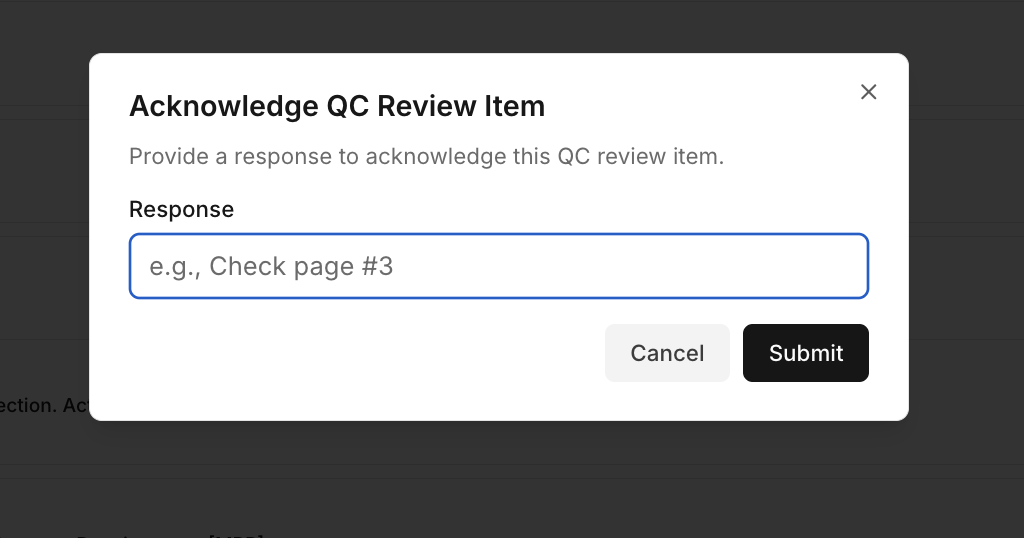
Taking prompt action ensures your report continues through the workflow without delays.
Canceling a submission
If you need to stop the current report submission and resolve issues, you can cancel the submission from the QC Review.
- Scroll to the bottom of the QC Review Items section.
- Click Cancel Submission.
- The current submission will be stopped, and the report will no longer continue.
- To proceed after canceling, you must upload a new revised report.
NOTE: Manual submission request is not possible if QC Review is Pending or Submission is cancelled.
If you have questions or experience an issue, contact support at support@dwellingblocks.com.
Was this article helpful?
That’s Great!
Thank you for your feedback
Sorry! We couldn't be helpful
Thank you for your feedback
Feedback sent
We appreciate your effort and will try to fix the article