We've moved!
This article now lives at our new Help Center and the copy below may be out of date.
→ Go to the updated article
How to Update Your Email Address:
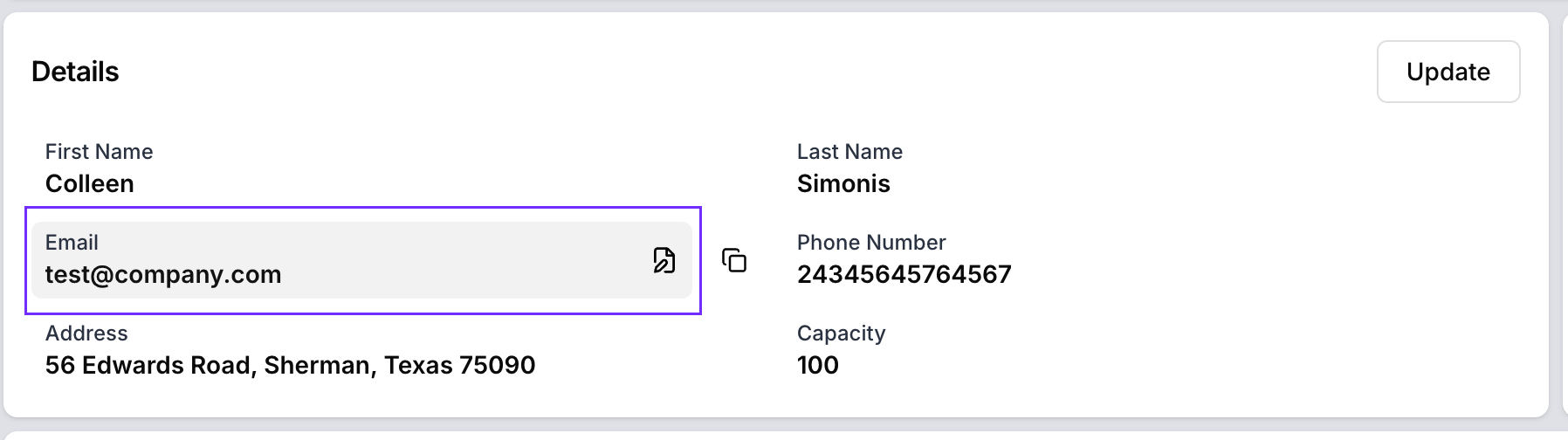
Go to the Profile Page.
Click on the email field to edit your email address.
Enter your new email and save the changes.
After updating, you will be logged out automatically.
Log in again using your new email address.
Note: After you update your email, both your old and new email addresses will receive a notification confirming the change.
Was this article helpful?
That’s Great!
Thank you for your feedback
Sorry! We couldn't be helpful
Thank you for your feedback
Feedback sent
We appreciate your effort and will try to fix the article